
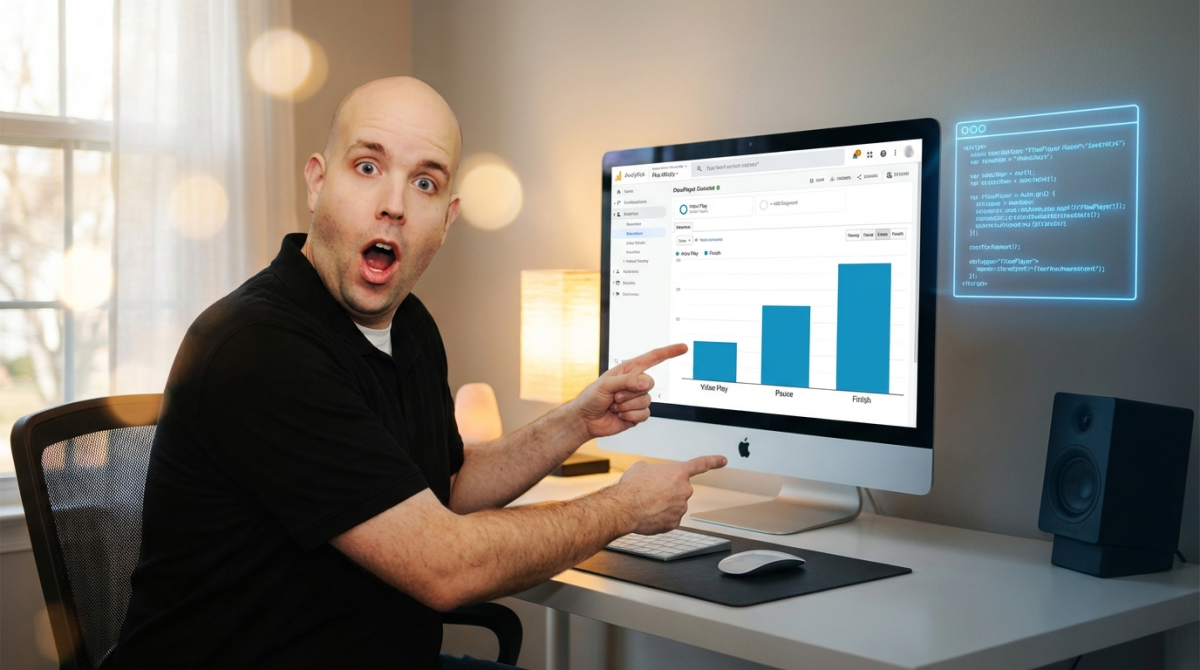
How to Get Analytics From Your Videos
shoemoney
·
·
2 min read
Video presents an interesting problem for the online marketer. While video is extremely powerful and engaging, we give up a lot of "features" that a standard HTML sales page has. It's very possible that your flashy, engaging video presentation does a worse job of conveying your message than a good page. Even worse, it's very hard to do any kind of testing or optimization like you can with a split-tested sales page.
Enter Event Tracking in Google Analytics. Event Tracking allows you to track all sorts of events on your web site which could be an entire series of articles by themselves. Want to know how many people are clicking various buttons on your site? Event Tracking can tell you.
What we care about with video, is how many people are finishing the video? As Jeremy mentioned in another post, 90% of the people who finish the ShoeMoney System video BUY. More finishers = More buyers.
Fortunately, with FlowPlayer this is very easy. The meat of it is this snippet of code you place in your FlowPlayer config:
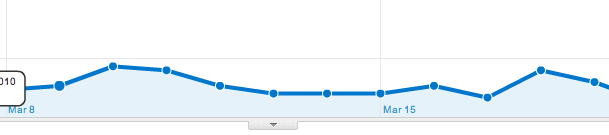 After gathering data, in your Analytics account under Content->Event Tracking you will have stats on Plays, Pauses, and Finishes. Of course, since this is GA, you can also look at all kinds of other dimensions of this data.
Now it's your turn to implement, and figure out how to use this new data to make more money.
After gathering data, in your Analytics account under Content->Event Tracking you will have stats on Plays, Pauses, and Finishes. Of course, since this is GA, you can also look at all kinds of other dimensions of this data.
Now it's your turn to implement, and figure out how to use this new data to make more money.
       onStart: function(clip) {
            pageTracker._trackEvent("Videos", "Play", clip.url);
        },

        // track pause event for this clip. time (in seconds) is also tracked
        onPause: function(clip) {
            pageTracker._trackEvent("Videos", "Pause", clip.url, parseInt(this.getTime()));
        },

        // track stop event for this clip. time is also tracked
        onStop: function(clip) {
            pageTracker._trackEvent("Videos", "Stop", clip.url, parseInt(this.getTime()));
        },

        // track finish event for this clip
        onFinish: function(clip) {
            pageTracker._trackEvent("Videos", "Finish", clip.url);
        }
That's it.
After gathering data, in your Analytics account under Content->Event Tracking you will have stats on Plays, Pauses, and Finishes. Of course, since this is GA, you can also look at all kinds of other dimensions of this data.
Now it's your turn to implement, and figure out how to use this new data to make more money.